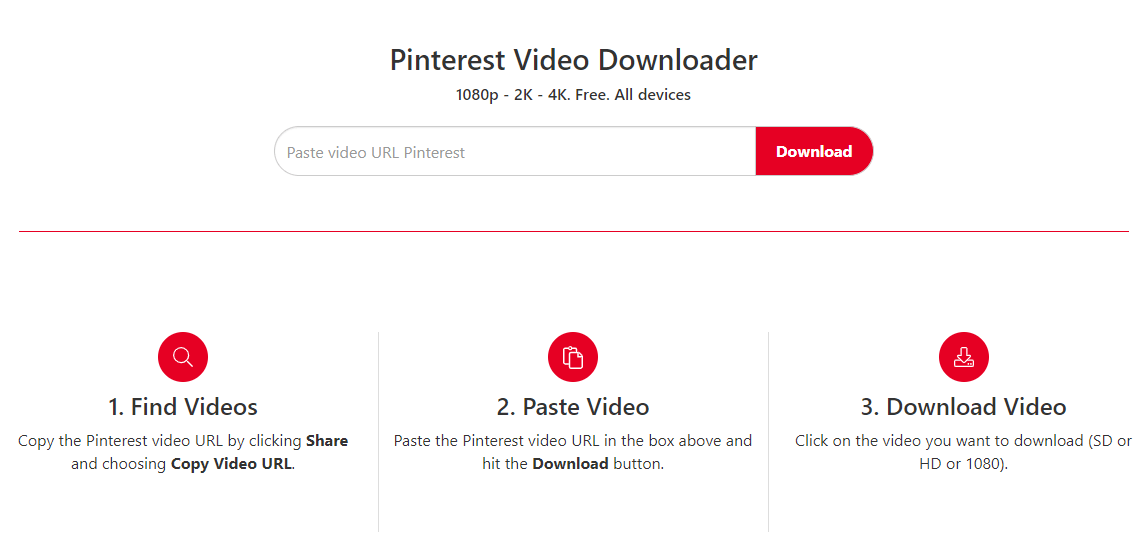
Pinterest videos come in different resolutions, depending on the uploaded source and the versions Pinterest serves. PinDown retrieves an available video file; it cannot turn a low-resolution video into true HD, 2K, or 4K. Here is what to expect when saving a video on your phone or computer.
Understanding Pinterest video quality with PinDown
What is the PinDown tool?
PinDown.io is a browser-based Pinterest downloader for phones, tablets, and computers. The resolution of your saved video depends on the source available for that Pin.
HD commonly refers to 720p or 1080p video, while 2K and 4K refer to higher resolutions. Not every Pin has a high-resolution source, and a download label alone does not establish the actual dimensions of the file.
Outstanding features of PinDown.io
- Video quality depends on the available source. PinDown does not upscale a lower-resolution file into HD or 4K.
- The website works in modern browsers on Android, iOS, Windows, and macOS.
- PinDown has a simple interface, easy to use and does not have to install additional middleware.
- This tool is completely free. During the operation will appear a few ads but users are not required to see.
- You can use the website without installing an additional app or extension.

PinDown retrieves the video file available for your Pinterest link
Instructions for downloading Pinterest videos using PinDown.io tools
The social network Pinterest has a unique and interesting store of information. We can save the video in Pinterest's save function to use when needed. In case you want to save video to your computer or phone for offline viewing or sharing with friends. Users can use the PinDown.io tool with the following simple steps:
- First, copy the video link you want to download on the Pinterest page.
- Open PinDown.io, paste the copied link, and select Download to load the result.
- Check the preview and use the available download button to save the video file.
Actually downloading a Pinterest 4K video using PinDown.io is quite simple. However, it still has differences on Android and iOS operating systems. Users should carefully understand the implementation process to ensure the most favorable loading process.
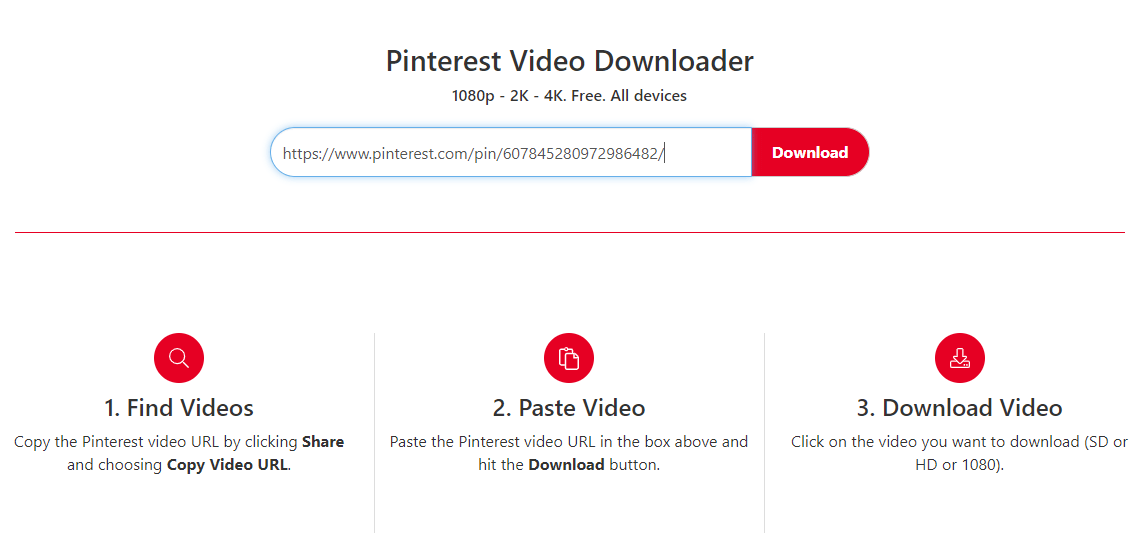
In fact, downloading a Pinterest 4K video using PinDown.io is quite simple
Download videos Pinterest 4K on Android
- Step 1: Open the video Pin in Pinterest, open the share menu, and choose Copy link.
- Step 2: Open PinDown in your browser, paste the link, and select Download. Use the download option shown in the result.
- Step 3: Open your browser's downloads list or your device's Downloads folder to find and play the saved file.
Download videos Pinterest 4K on iOS
On iPhone and iPad, you can use Safari without installing a separate document-management app. Find the saved file through Safari's downloads list or the Files app. See Apple's guide to finding downloaded files.
- Open the video Pin in Pinterest and copy its link from the share menu.
- Open PinDown.io in Safari, paste the copied link, and select Download.
- Use the download button in the result and confirm the browser's download prompt if one appears.
- Open Safari's downloads list, or open Files and look in the Downloads folder.

Copy a Pin link from Pinterest's share menu; its appearance may vary by app version.
Note when downloading Pinterest 4K video using PinDown.io tool
A stable connection helps the download finish, but it does not improve the video's resolution. Check the saved file's dimensions if you need to confirm its quality. Audio also depends on the source file.
Besides, with video downloads you should only use it for offline viewing. Do not post to use for other purposes without the permission of the creator. This helps us to avoid problems related to copyright or confusing the viewer.
Epilogue
PinDown provides a browser-based way to save available Pinterest videos. Copy the Pin link, load the result, and download the file. If the original Pin is unavailable or no downloadable source is returned, try another accessible Pin rather than expecting a higher-resolution version to appear.